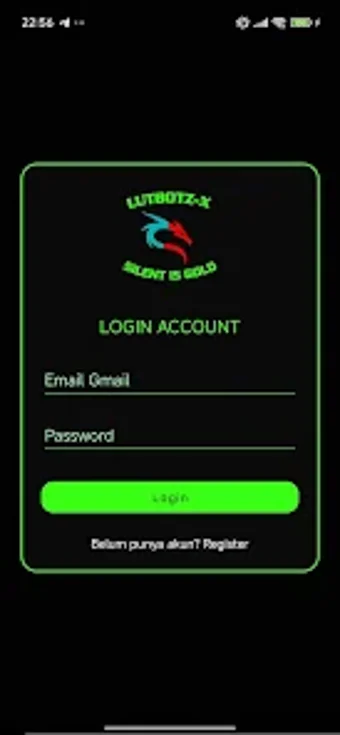
LutBotz Guard: Android parental controls with privacy-focused monitoring
Evenings at home often include phones and homework, and parents need practical oversight tools. LutBotz Guard, from LutBotz-X, is a parental control app intended to provide a safer digital environment for children under 18. The app monitors activity, tracks real-time location and movement history, oversees call and message logs, and lets guardians send immediate remote alerts or lock devices. It emphasizes a privacy-first policy, encrypts commands and data transfers, and avoids permanent storage of sensitive information to protect family privacy. Parents and legal guardians seeking straightforward monitoring tools for everyday supervision find practical utility in this app.
What the app delivers in everyday parental oversight
In routine situations the app works as a single point of supervision: guardians can review device activity, verify a child’s whereabouts, and intervene with alerts or a remote lock when needed. Practical daily tasks include:
- checking nightly screen time and app use;
- confirming location during commutes or outings;
- sending an immediate alert to a misplaced device.
How the app fits into Android device ecosystems and updates
The app targets Android devices running 8.0 or higher, so it fits households that use Android phones and tablets. Remote commands and device locking operate over encrypted channels, and the developer provides regular updates to the Android build. The documentation does not enumerate third-party integrations, so the app’s scope appears focused on device-level controls and a parent dashboard rather than broad external service extensions.
Why the interface suits non-technical guardians
The interface is presented as parent-centric and designed for ease of use by non-technical users, which makes it appropriate for busy parents, weekend guardians, or caregivers new to monitoring tools. The dashboard groups oversight functions into clear actions and the app’s layout aims to reduce setup friction. This orientation helps households that prefer direct controls and visual summaries over configuration-heavy systems.
How the app protects sensitive family data in practice
The app applies a privacy-first approach: sensitive data is not stored permanently and all commands and data transfers use modern encryption standards. The developer also emphasizes transparency and consent, so families can frame monitoring as an agreement rather than covert surveillance. These design choices lower the risk of long-term data exposure, while still requiring families to handle consent and expectations with older teens.
To sum up, a practical option for parents who want clear oversight
To sum up, the app is a practical option for guardians who want straightforward, daily supervision of children’s device use while keeping data handling explicit and limited. Parents should prepare consent conversations before enabling broad oversight for older teenagers. Pro-tip: establish a short family agreement and check the app’s activity summaries together to turn monitoring into a teaching moment.